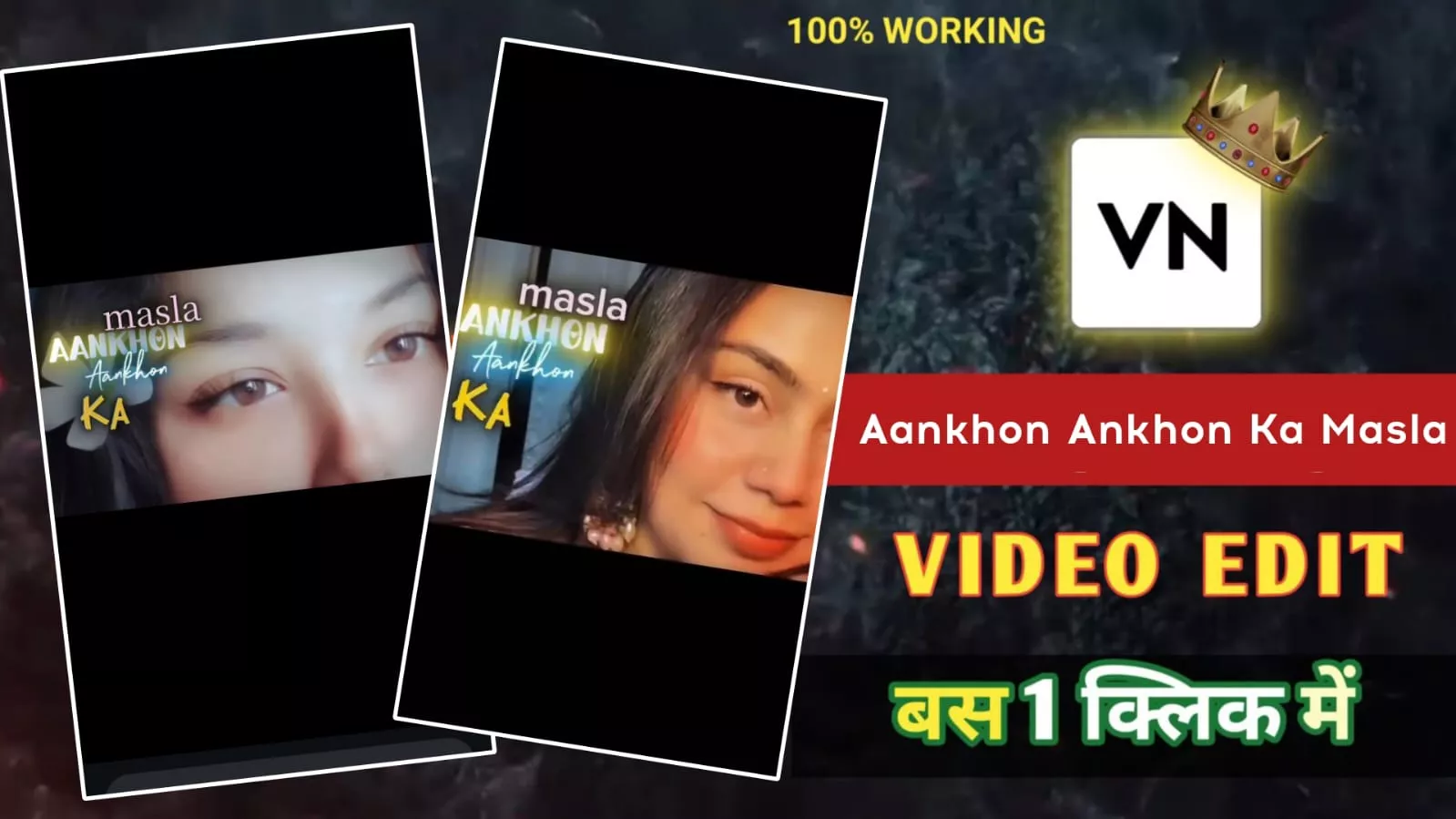
Aankhon Aankhon Ka Masla VN Template Code – Friends, right now a video on the “Aankhon Aankhon Ka Masla” song is getting massive attention on social media. Mostly girls are creating this trend, but if you’re a boy, don’t think it’s not for you—this edit suits everyone perfectly. Many boys are already creating and uploading their versions. The best part is that making this video is super easy. And as always, we are going to provide you with the VN template code, so the whole process becomes even simpler.
But one thing you need to understand—if you just create and upload your video like everyone else without any uniqueness, then your video might not go viral. That’s why in today’s article, I will share some useful tricks with you. If you follow them properly, your chances of getting more views will increase a lot, and your video can even go viral. So make sure you read this article till the end and follow each step carefully.
Aankhon Aankhon Ka Masla Song VN Template Code
Friends, this trend is currently going very strong. If you regularly visit our website, then you already know that we previously shared its CapCut template. But many of you commented that you don’t have the CapCut app and couldn’t create the video. That’s why today, I decided to bring the VN template code for you. The VN app is easily available on the Play Store and is very simple to use. In this article, we will provide you with the VN code and also explain step-by-step how to use it. Even if you are a beginner, you will be able to create this trending video without any problem. So now, let’s understand the full process.
How to Use VN Code
Now let’s learn how you can create your video using this VN template code. First of all, you need the VN Video Editor app because it has a built-in scanner feature. Start by installing the VN app from the Play Store. After that, download or save the VN code (QR code) provided in the article to your phone. Now open the VN app and look for the scanner icon at the top. Tap on it and scan the saved VN code.
As soon as you scan it, the template will open in front of you. Then you will see a download option—click on it to download the template file. After that, simply add your video clips. Once done, click on the “Next” button and wait for a few seconds. Your video will be automatically edited. Finally, click on the export button to save the video to your gallery. That’s it—your trending video is ready.

Tips to Make Your Video Go Viral
Friends, the biggest factor behind a viral video is its quality. The better your video quality, the more people will like and engage with it. Always export your video in full HD and try to keep it at 60 FPS for smooth playback. Also, make sure you shoot your clips using a good camera or a high-quality smartphone. If your original clips are clear and sharp, the final output will also look professional.
While uploading your video, don’t forget to add a proper caption and use relevant hashtags. This helps your video reach more people. Another very important thing is consistency. Don’t upload one video and then disappear for days—try to post regularly. If you follow these simple tips and use trending audio along with this template, you can grow your Instagram account much faster.
Final Conclusion
So friends, this is how you can easily create a trending Instagram video using the Aankhon Aankhon Ka Masla VN Template Code. We hope you liked this article and understood all the steps clearly. If you found this helpful, do share your feedback in the comments. And for more such trending templates and editing tutorials, keep visiting our website.