Kaisi Dillagi Hai Tu VN Code & CapCut Template – So friends, in today’s article I have brought a VN code and CapCut template for creating viral “Kaisi Dillagi Hai Tu” song videos. You must have seen this type of trending reels on Instagram where many people create these videos manually. But friends, if you use a VN code or CapCut template, then you can create the same professional video very easily in just a few simple steps. You don’t need to spend much time or effort. So if you want to make this type of viral video, read the full article carefully.
Full Breakdown of Kaisi Dillagi Hai Tu Video Style
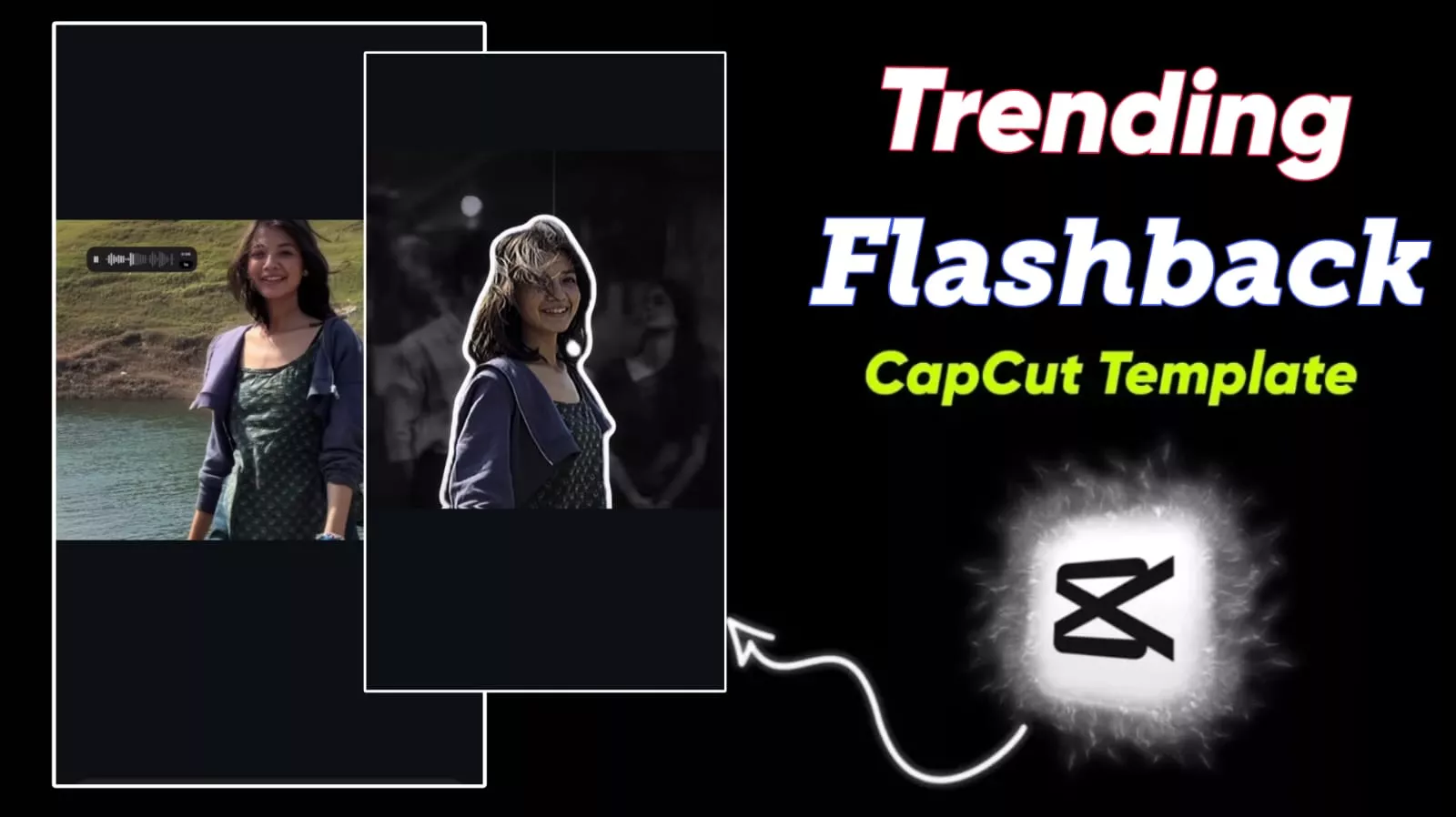
So friends, before starting editing, let’s understand how this video works. In this template, the video starts with a smooth clip. After that, an on-screen text message appears which sets the mood of the video. Then a WhatsApp-style audio plays with a dialogue: “I have walked out of your life, and it is entirely because of you,” which gives an emotional touch to the video. As soon as the audio ends, the video freezes and the background fades out. At the same time, a clean cutout of the subject appears on the screen. After that, a flashback sequence starts in the background like a photo album, where your memorable moments are shown. Along with this, slow-motion effects and cinematic transitions are used. Overall, this editing looks very professional, but you can create it very easily using templates.
How to Edit Videos Using VN Code Easily
- So friends, now let’s understand how to use VN code.
- First, you need to install the VN Video Editor app from the Play Store.
- After that, save the VN code or take a screenshot of it. Now open the app and click on the scanner option at the top.
- Then select the VN code from your gallery and tap on “Use Template.” After that, add all your video clips.
- Within a few seconds, your video will be ready automatically.
- In VN, you will also get a “Modify” option where you can add filters, text, and crop your video according to your needs.


How to Make Videos with Capcut Template?
- Friends, creating a video using a CapCut template is also very easy.
- First, install the CapCut app on your device. After that, open your browser and search for the template.
- Now open the template post and scroll down. Click on the “Use Template on CapCut” button.
- It will directly open in the CapCut app. Then:
- Add your video clips
- Click on the edit option if you want customization
- Then click on Next
- Finally, export your video in high quality
- Within a few seconds, your video will be ready.
What is the VN Code & Capcut Template?
Friends, let’s understand what VN code and CapCut template actually are. A VN code is like a QR code that contains full video editing instructions. It is created by professional editors using the VN Video Editor app. When you scan it, the full template opens, and you just need to add your clips. Similarly, a CapCut template is also a ready-made editing format created by professionals. They edit a video manually and convert it into a template. You just need to click on the template link, open it in CapCut, add your clips, and your video gets ready automatically.
Conclusion
So friends, in this way you can create your trending “Kaisi Dillagi Hai Tu” song videos using VN code and CapCut templates I have given you both options—VN and CapCut—so you can choose whichever you like. If you are comfortable with VN, use that, otherwise go with CapCut. I hope you liked this article and understood everything clearly. If you face any problem, you can tell us in the comments. Now go and create your video and upload it on Instagram—your video can also go viral.